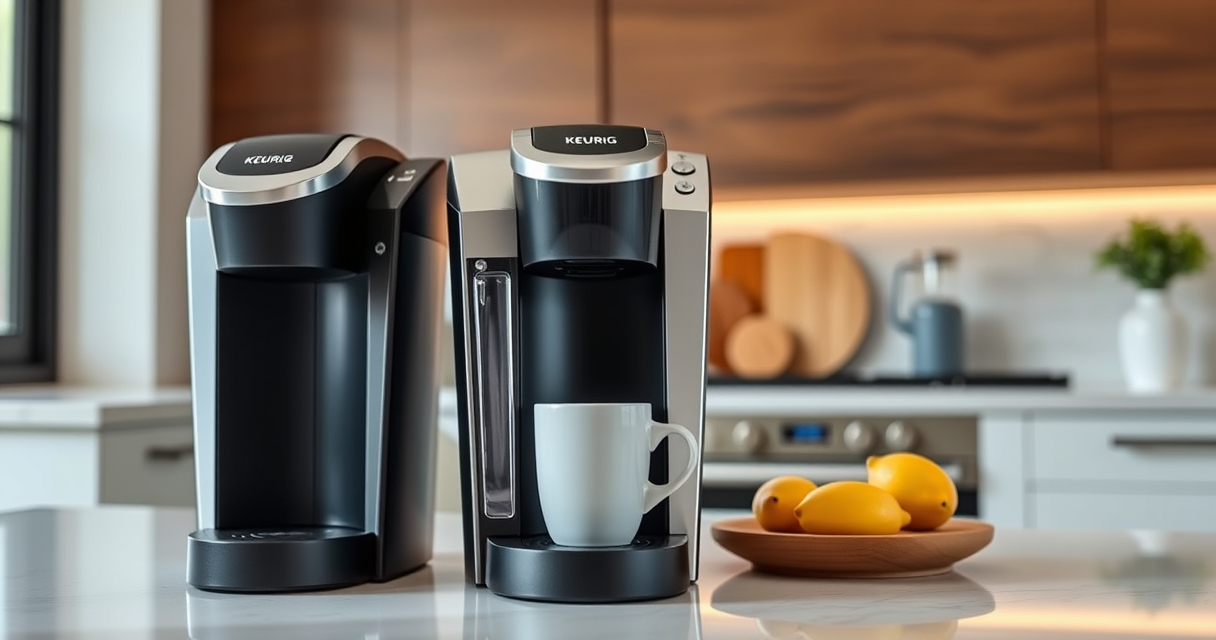

If your Keurig K-Mini single serve coffee maker isn’t turning on, it can be frustrating. Fortunately, many common issues are simple to diagnose and fix. This guide walks you through practical, safe steps to troubleshoot your Keurig and restore it to brewing perfection.

Get coffee and tea gear delivered free — and shop member deals
- Fast, free delivery on millions of items
- Access to Prime Big Deal Days deals on October 6–7
- Prime Video, Amazon Music and more included
Before diving into repairs, ensure your machine is properly plugged in, the outlet is functional, and the power switch is engaged. Safety first: always unplug your device before performing any checks or maintenance.
Key Takeaways
| Power source | Ensure the outlet and power cord are working properly. |
| Power button | Check if the power button is pressed firmly. |
| Internal issues | Possible internal faults or circuit problems. |
| Reset and inspect | Perform a reset and look for visible damage. |
Check the Power Connection
- Ensure the coffee maker is securely plugged into a functioning electrical outlet. Test the outlet with another device to confirm it’s providing power.
- Inspect the power cord for any visible damage or frays. Do not use the machine if the cord is damaged.
- Make sure the power switch on the machine is in the ‘On’ position, if applicable.
Perform a Reset
- Unplug the Keurig K-Mini from the power outlet.
- Wait at least 30 seconds to allow internal circuits to reset.
- Plug the machine back in and press the power button firmly to turn it on.
Inspect Internal Components
If the machine still won’t turn on, carefully open the back panel or access points if possible, following the user manual. Check for loose wires or visible damage.
Note: If you’re unsure or uncomfortable, consider professional repair or contacting Keurig customer support.
Address Internal Faults or Circuit Issues
If simple checks don’t work, internal circuit faults or blown fuses may be the cause. Replacing internal parts requires technical skills and should be performed by a qualified technician.
Contact Keurig customer service or a certified repair technician if your machine remains unresponsive after these steps.
Preventative Tips & Safety Warnings
- Always unplug your Keurig before performing any maintenance or inspections.
- Use the machine on a stable, dry surface away from water or moisture.
- Do not attempt to repair internal electrical components yourself unless qualified.
- If your machine is under warranty, contact Keurig support for authorized repairs.
The Products in This Guide

Keurig K-Mini Single Serve K-Cup Pod Coffee Maker
- ✔ Width: Less than 5 inches
- ✔ Brew Size: 6-12oz
- ✔ Color: Black

My K-Cup® Reusable Coffee Filter
- ✔ Material: BPA-free plastic
- ✔ Capacity: Single serve
- ✔ Compatibility: Keurig K-Mini
Keurig K-Mini Single Serve K-Cup Pod Coffee Maker
The Keurig K-Mini Single Serve K-Cup Pod Coffee Maker is perfect for small spaces, offering quick brewing and a sleek design. Despite power issues, it’s generally reliable and easy to troubleshoot.
Pros:
- Compact and space-saving
- Fast brewing times
- Easy to use and clean
- Travel mug friendly
Cons:
- Limited water reservoir
- Power issues may require repairs
- No on/off switch
Best for: Small apartments, offices, or travel use
Not ideal for: For users needing a larger water capacity or advanced features
Bottom line: A compact, dependable coffee maker ideal for limited space, with simple troubleshooting steps for power issues.
My K-Cup® Reusable Coffee Filter
If you prefer brewing your own ground coffee, the My K-Cup® Reusable Coffee Filter is a great addition. It allows you to customize your brew and is compatible with the Keurig K-Mini.
Pros:
- Cost-effective
- Eco-friendly
- Easy to clean
- Brews full-flavored coffee
Cons:
- Requires ground coffee
- Slightly more cleaning
- Not for single-use pods
Best for: Ground coffee enthusiasts and eco-conscious brewers
Not ideal for: If you prefer pre-packaged K-Cup pods for convenience
Bottom line: A versatile reusable filter that enhances your brewing options and reduces waste.
Frequently Asked Questions
Why won’t my Keurig K-Mini turn on?
Possible causes include a faulty power outlet, damaged power cord, internal circuit issues, or a reset requirement. Follow the troubleshooting steps to diagnose the problem.
How do I reset my Keurig K-Mini?
Unplug the machine, wait 30 seconds, then plug it back in and press the power button firmly. This can resolve minor electronic glitches.
Is it safe to open my Keurig for repairs?
Only attempt internal inspections if you have proper technical knowledge. Otherwise, contact authorized service providers or Keurig support for repairs.
Can I use a reusable filter with my Keurig K-Mini?
Yes, the My K-Cup® Reusable Coffee Filter is compatible and allows you to brew ground coffee instead of pods.
Getting Your Keurig Back in Action
While a non-responsive Keurig K-Mini can be concerning, most power issues stem from simple causes like outlet problems or reset needs. Following these troubleshooting steps can often resolve the problem safely and quickly. If issues persist, professional repair or contacting Keurig support is recommended to ensure your coffee maker remains safe and functional for daily use.
Affiliate disclosure: As an Amazon Associate we earn from qualifying purchases. Prices and availability are accurate as of the time of publishing.
Fall Picks
fall essentials
As an affiliate, we earn on qualifying purchases.