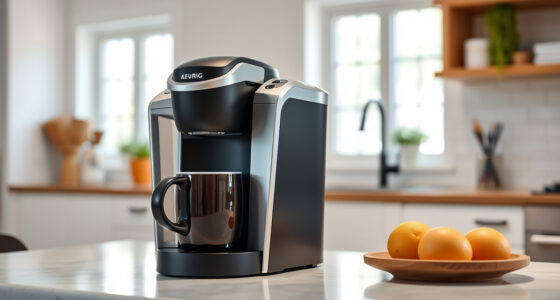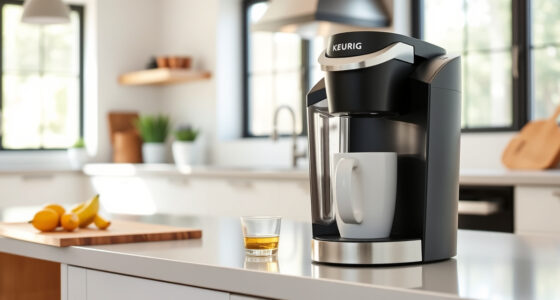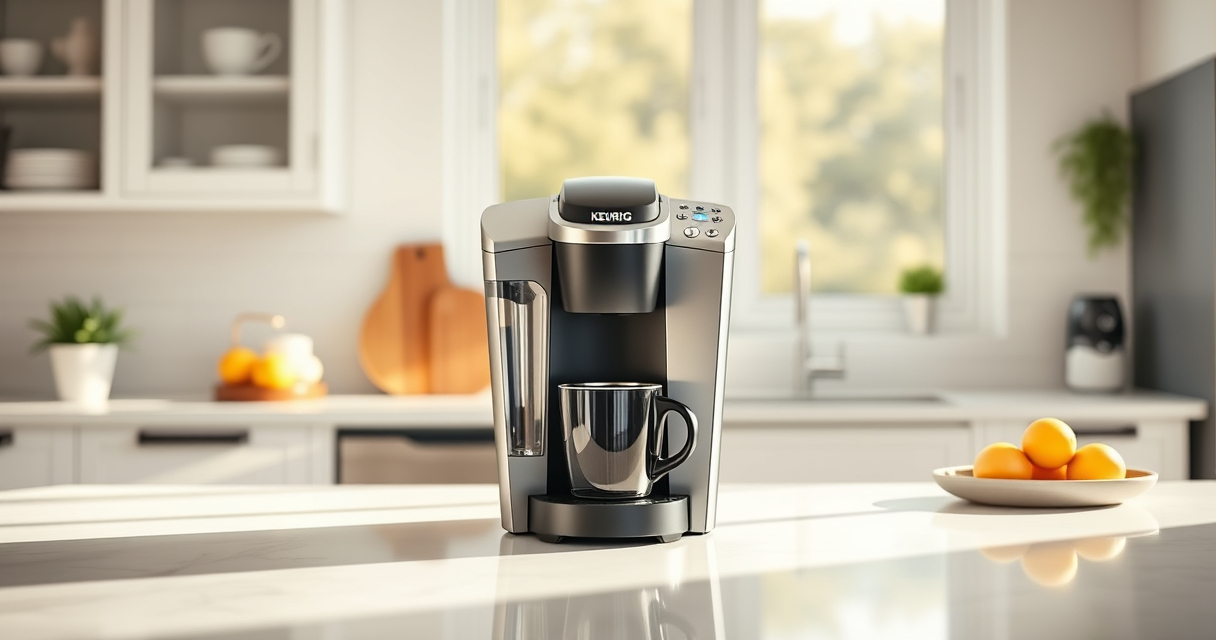
If your Keurig K-Mini single serve coffee maker isn’t brewing a full cup, it can be frustrating and impact your coffee experience. This guide provides practical, safe, and accurate troubleshooting steps to help you identify common causes and fix the issue quickly.

Get coffee and tea gear delivered free — and shop member deals
- Fast, free delivery on millions of items
- Access to Prime Big Deal Days deals on October 6–7
- Prime Video, Amazon Music and more included
From mineral buildup to water reservoir problems, we cover the most likely reasons your Keurig isn’t delivering a full brew and how to resolve them effectively.
Key Takeaways
| Common Cause | Mineral deposits can clog the system, reducing brew volume. |
| Easy Fix | Regular descale and cleaning restore proper function. |
| Water Level Check | Ensure the water reservoir is filled and correctly seated. |
| Clog Removal | Clear the needle and exit needle for blockages. |
| Component Inspection | Inspect for damage or misalignment inside the brew area. |
Check the Water Reservoir
- Ensure the water reservoir is filled with fresh water and properly seated on the machine.
- Remove and reattach the reservoir to make sure it is securely in place.
Perform Descaling
- Use a descaling solution suitable for Keurig machines, such as the Keurig 3-Month Brewer Maintenance Kit.
- Follow the descaling instructions: fill the water reservoir with the solution, run a brew cycle without a K-Cup, and rinse thoroughly.
- Repeat if necessary every 3-6 months to prevent mineral buildup.
Clean the Needle and Exit Port
Mineral deposits or coffee grounds can clog the needle that punctures K-Cups and the exit port.
- Turn off and unplug the machine.
- Use a paperclip or the cleaning tool included with your maintenance kit to carefully clear any blockages from the needle and exit port.
- Run a hot water cycle to flush out any debris.
Inspect and Reset Components
Check for any visible damage or misalignment inside the brew area. Ensure the brew head is properly aligned and that the components are securely in place.
If issues persist, reset the machine by unplugging it for 30 seconds before plugging it back in.
Test with a Fresh Brew
Fill the reservoir with fresh water, select your desired brew size, and run a test brew to see if the full cup dispenses correctly.
The Products in This Guide

Keurig K-Mini Single Serve K-Cup Pod Coffee Maker
- ✔ Weight: 4.6 pounds
- ✔ Cord Length: Over 2 feet
- ✔ Power: 120V, 60Hz

My K-Cup® Reusable Coffee Filter
- ✔ Weight: 2.4 ounces
- ✔ Dimensions: 2.5 x 2.5 x 3 inches
- ✔ Material: Plastic
Keurig K-Mini Single Serve K-Cup Pod Coffee Maker
The Keurig K-Mini is a highly-rated single serve coffee maker perfect for small spaces. It offers customizable brew sizes from 6-12oz and features a simple design that makes troubleshooting straightforward.
Pros:
- Compact size fits small spaces
- Brew size adjustable
- Removable drip tray for travel mugs
- Energy-efficient auto off
Cons:
- Limited water reservoir capacity
- No water level indicator
- Requires frequent descaling for optimal performance
Best for: Small homes, office desks, dorm rooms
Not ideal for: Large households or frequent heavy usage
Bottom line: A compact, efficient coffee maker ideal for small spaces with straightforward troubleshooting.
My K-Cup® Reusable Coffee Filter
The My K-Cup Reusable Coffee Filter allows you to brew your favorite ground coffee with your Keurig, offering versatility and savings on pods.
Pros:
- Use your own ground coffee
- Eco-friendly and cost-effective
- Easy to clean
- Compatible with Keurig models
Cons:
- Requires pre-measuring grounds
- Possible clogging if not cleaned regularly
- Brewing time may be slightly longer
Best for: Coffee connoisseurs wanting control over their brew
Not ideal for: Those seeking maximum convenience with K-Cup pods
Bottom line: A practical upgrade for brewing ground coffee with your Keurig, enhancing flavor and reducing waste.
Frequently Asked Questions
Why is my Keurig not brewing a full cup?
Common causes include mineral buildup, clogged needles, or water reservoir issues. Following proper cleaning and descaling procedures can often resolve this.
How often should I descale my Keurig?
It’s recommended to descale every 3 to 6 months, especially if you notice brewing issues or reduced water flow.
Can I use ground coffee instead of K-Cups?
Yes, with a reusable filter like the My K-Cup, you can brew your own ground coffee, offering more control over flavor and cost.
What safety precautions should I take when cleaning?
Always unplug the machine before cleaning or descaling. Use non-abrasive tools and follow manufacturer instructions to avoid damage.
Ensuring a Full Cup Every Time
By regularly maintaining and cleaning your Keurig K-Mini, you can prevent many common brewing issues. If your machine still isn’t brewing a full cup after troubleshooting, consider descaling or inspecting internal components for damage. With proper care, your Keurig will continue to deliver delicious coffee reliably.
Affiliate disclosure: As an Amazon Associate we earn from qualifying purchases. Prices and availability are accurate as of the time of publishing.
Fall Picks
fall essentials
As an affiliate, we earn on qualifying purchases.